

AI Integration Quick Reference
AI Integration Quick Reference
Where It Fits
CometChatIncomingCall is a Component that serves as a visual representation when the user receives an incoming call, such as a voice call or video call, providing options to answer or decline the call.
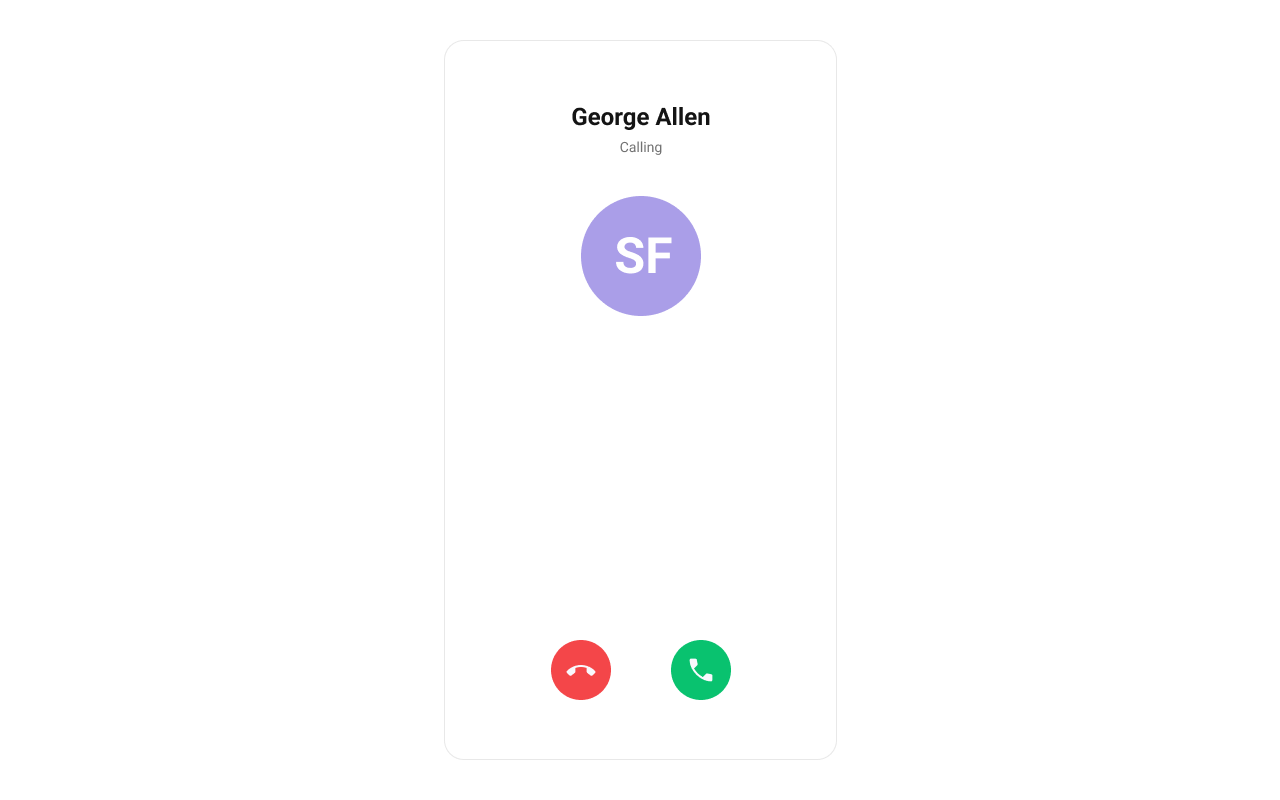
Minimal Render
Actions and Events
Callback Props
onAccept
Fires when the accept button is pressed.onDecline
Fires when the decline button is pressed.onError
Fires on internal errors (network failure, auth issue, SDK exception).Global UI Events
CometChatUIEventHandler emits events subscribable from anywhere in the application. Add listeners and remove them on cleanup.
| Event | Fires when | Payload |
|---|---|---|
ccCallRejected | Initiated call is rejected by the receiver | { call } |
ccCallAccepted | Initiated call is accepted by the receiver | { call } |
ccCallEnded | Initiated call successfully ends | { call } |
ccCallFailled | Error occurs during the initiated call | { call } |
Custom View Slots
Each slot replaces a section of the default UI. Slots that accept a call parameter receive the call object for customization.| Slot | Signature | Replaces |
|---|---|---|
ItemView | (call) => JSX.Element | Entire incoming call card |
LeadingView | (call) => JSX.Element | Avatar / left section |
TitleView | (call) => JSX.Element | Caller name / title text |
SubtitleView | (call) => JSX.Element | Call type / status text |
TrailingView | (call) => JSX.Element | Accept/decline buttons |
ItemView
Custom view for the entire incoming call card.LeadingView
Custom view for the avatar / left section.SubtitleView
Custom view for the call type / status text.Styling
Using Style you can customize the look and feel of the component in your app. Pass a styling object as a prop to theCometChatIncomingCall component.
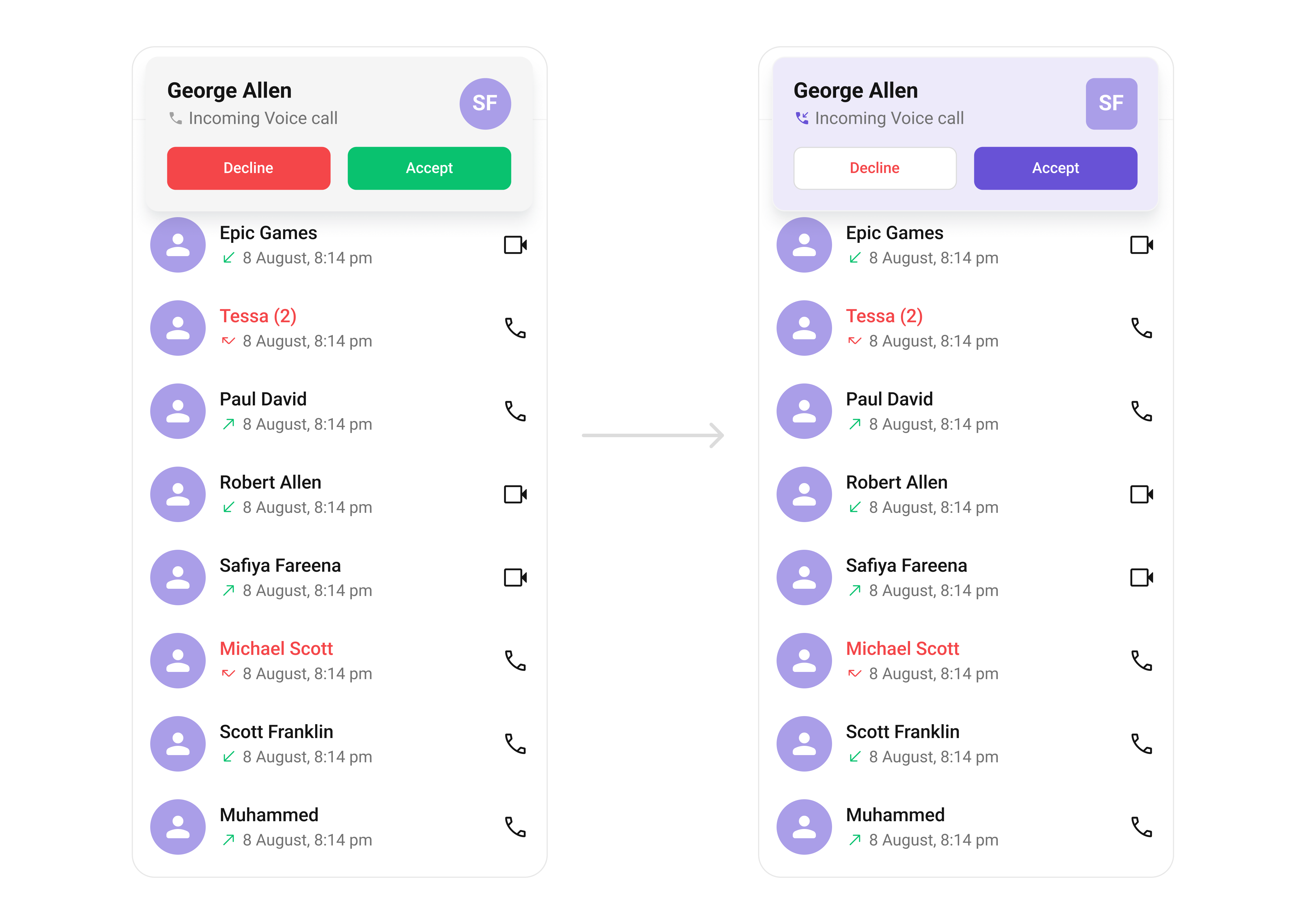
Visibility Props
| Property | Description | Code |
|---|---|---|
disableSoundForCalls | Disable/enable the sound of incoming calls | disableSoundForCalls?: boolean |
customSoundForCalls | Set custom sound for incoming calls | customSoundForCalls?: string |
Next Steps
Outgoing Call
Display and manage outgoing calls
Call Buttons
Add voice and video call buttons to your UI
Call Features
Overview of all calling features
Component Styling
Customize the appearance of UI Kit components