

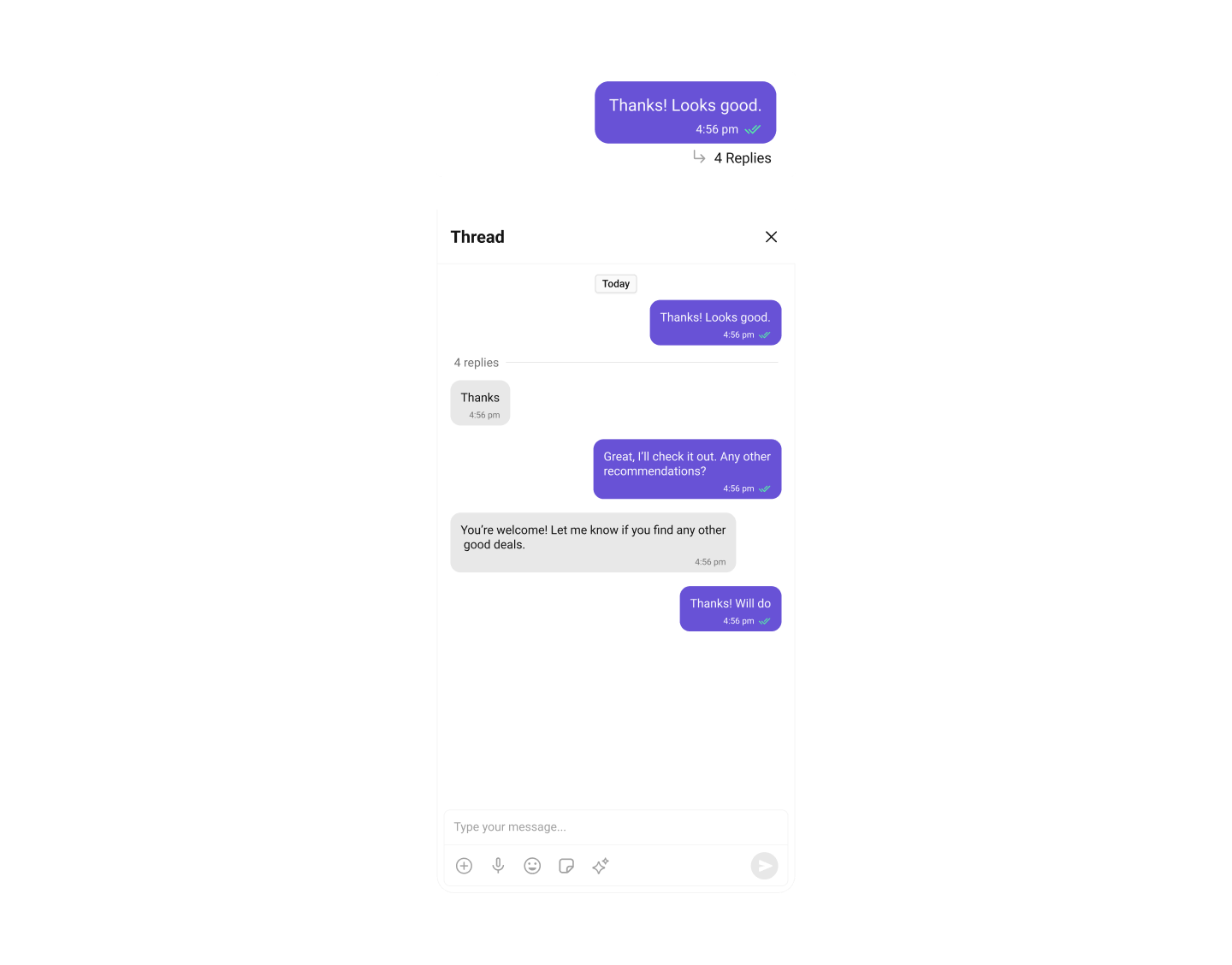
CometChatThreadedMessageHeader component displays the header for threaded message conversations showing parent message info. By default, the parent message appears at the top, the message composer is at the bottom, and a message list containing all replies is displayed between them.
AI Integration Quick Reference
AI Integration Quick Reference
ThreadedMessages is composed of the following components:
Usage
Integration
SinceCometChatThreadedMessageHeader is a view, you can add it to your view controller using the following code snippet:
- Swift
Ensure to pass and present
threadedMessage. If a navigation controller is already in use, utilize the pushViewController function instead of directly presenting the view controller.Filters
Filters allow you to customize the data displayed in a list within a Component. You can filter the list based on your specific criteria for a more customized experience. Filters can be applied using RequestBuilders of Chat SDK. ThreadedMessages does not have its own Filters. However, you can filter the messages list in ThreadedMessages Component using MessageListConfiguration. Example In this example, we are filtering messages and searching for messages that contain the keyword “payment”:- Swift
Events
Events are emitted by a Component. By using events, you can extend existing functionality. Being global events, they can be applied in multiple locations and are capable of being added or removed. The MessageList Component does not emit any events of its own.Customization
To fit your app’s design requirements, you can customize the appearance of the conversation component. We provide exposed methods that allow you to modify the experience and behavior according to your specific needs.Style
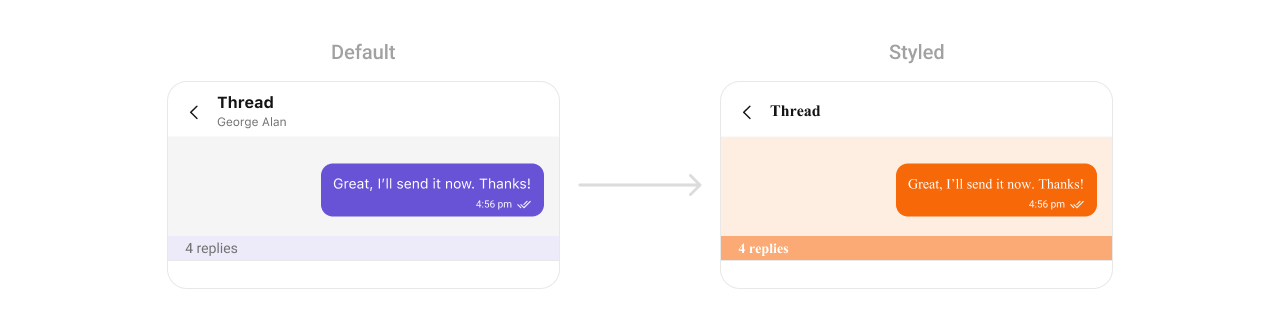
ThreadedMessageHeaderStyle contains various properties which can be used to customize the UI of CometChatThreadedMessageHeader.
Global Level Styling
- Swift
- Swift
Functionality
These are a set of small functional customizations that allow you to fine-tune the overall experience of the component. With these, you can set maximum lines the text area will show before scrolling in the composer, edit a message, add header view and footer view to the composer, and more. Below is a list of customizations along with corresponding code snippets:Advanced
For advanced-level customization, you can set custom views to the component. This lets you tailor each aspect of the component to fit your exact needs and application aesthetics. You can create and define your views, layouts, and UI elements and then incorporate those into the component.SetDatePattern
You can modify the date pattern to your requirement using.set(datePattern:). This method accepts a function with a return type String. Inside the function, you can create your own pattern and return it as a String.
Example
- Swift
SetTextFormatters
This functionality dynamically assigns a list of text formatters. If a custom list is provided, it uses that list. Otherwise, it gracefully falls back to the default text formatters retrieved from the data source for seamless integration. Example This code customizes a CometChat text formatter to identify and style the word “sure”, with handling options for interactions like string search, scrolling, and item clicks. The custom formatter is then applied to CometChat messages.- Swift
- MyCustomTextFormatter
SetTemplate and AddTemplate
CometChatMessageTemplate is a pre-defined structure for creating message views that can be used as a starting point or blueprint for creating message views often known as message bubbles. For more information, you can refer to CometChatMessageTemplate.Common Patterns
Open Thread from Message List
Present the threaded messages view when a user taps on a message’s reply count:- Swift
Customize Thread Header with Parent Message Info
Display additional context about the parent message in the thread header:- Swift
Filter Thread Replies
Show only specific types of messages in the thread:- Swift
To ensure that the
CometChatThreadedMessageHeader is properly configured, passing the controller is mandatory.