

AI Integration Quick Reference
AI Integration Quick Reference
Overview
CometChat Calls integrates 1:1 and group audio/video calling into the React UI Kit. Install the Calls SDK and the UI Kit auto-detects it, enabling call components.Ensure
CometChatUIKit.init(UIKitSettings) has completed and the user is logged in via CometChatUIKit.login("UID"). See React.js Integration.Integration
Install the Calls SDK: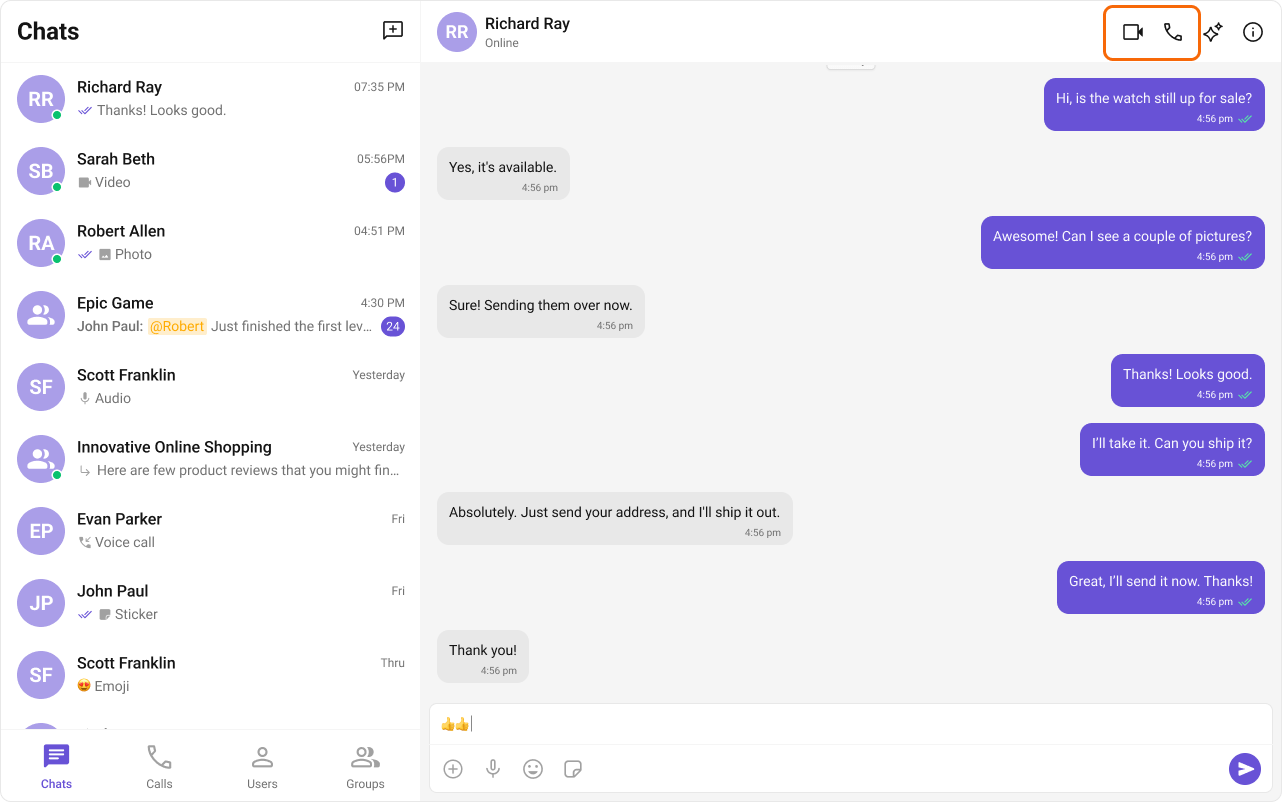
Features
Incoming Call
The Incoming Call component displays a call screen when a call is received, showing caller info with accept/reject options.
Outgoing Call
The Outgoing Call component displays an outgoing call screen with recipient info and call status. Transitions to the ongoing call screen when the receiver accepts.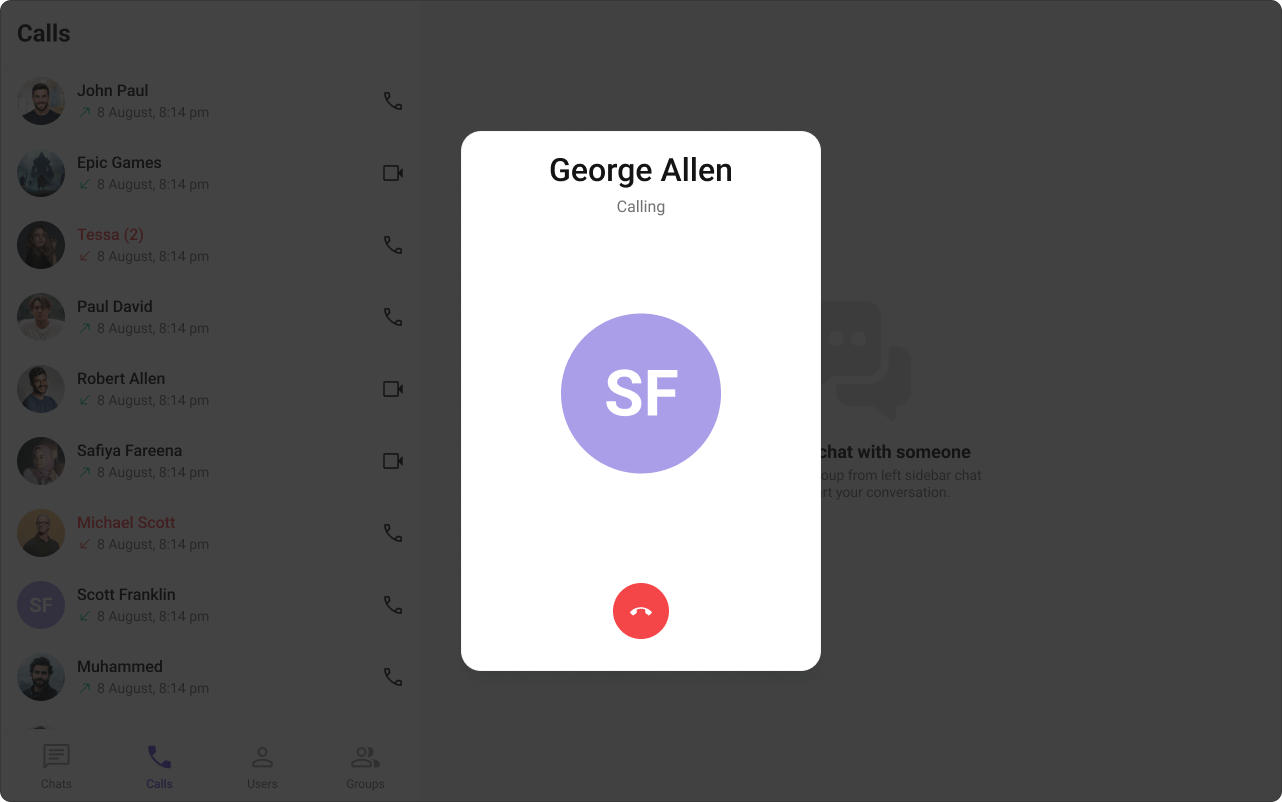
Call Logs
The Call Logs component displays call history — caller, time, and duration.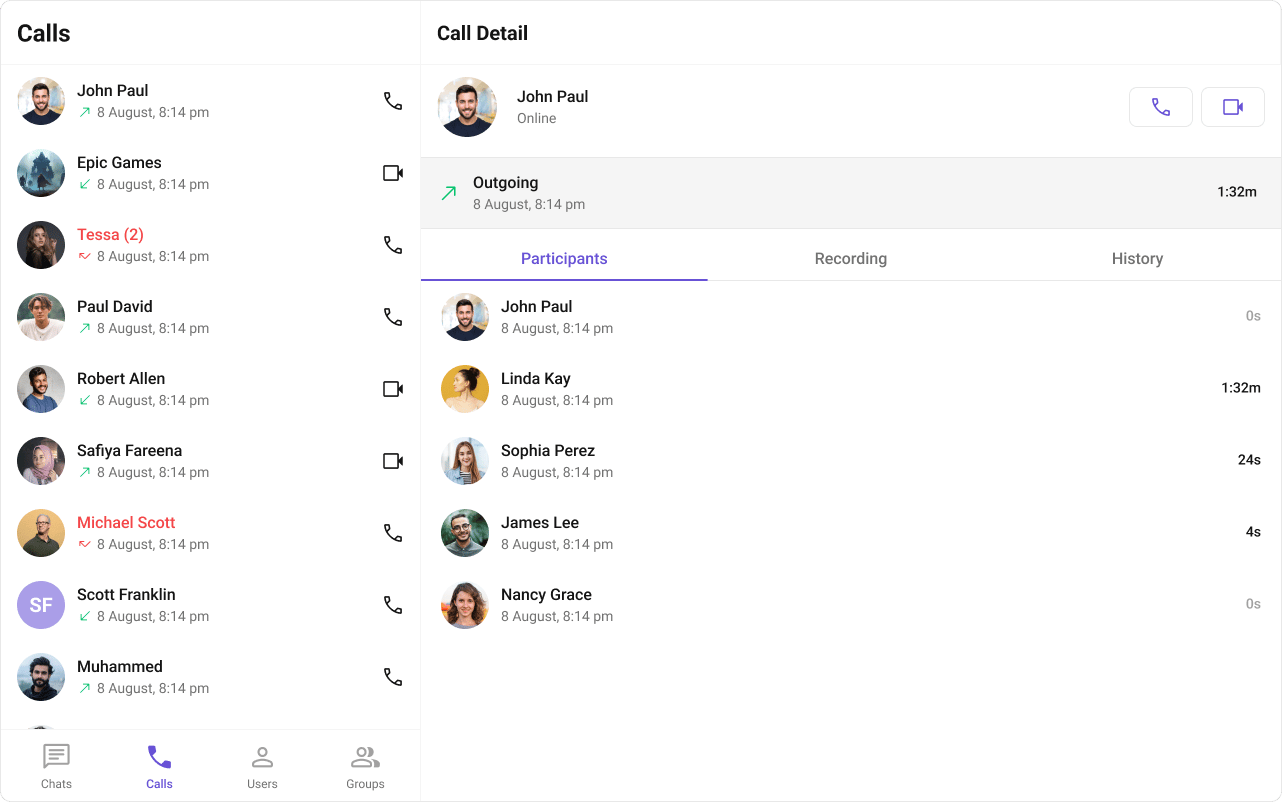
Next Steps
Call Buttons
Audio and video call buttons
Incoming Call
Incoming call notifications and UI
Call Logs
Call history and details
Core Features
Core chat features