

Introduction
We offer customizable message bubble styling to enhance user experience and match your app’s design. With distinct classes for incoming and outgoing messages, you can easily define colors, borders, and other styles. Each message type, from text to multimedia, has predefined classes for default styling, and developers can further customize using CSS.Incoming & Outgoing Messages
Incoming and outgoing messages have different styling by default, allowing users to visually separate their own messages from others’. Here, we show both the default view and examples of customizations for these message bubbles. Shown below is the default chat interface.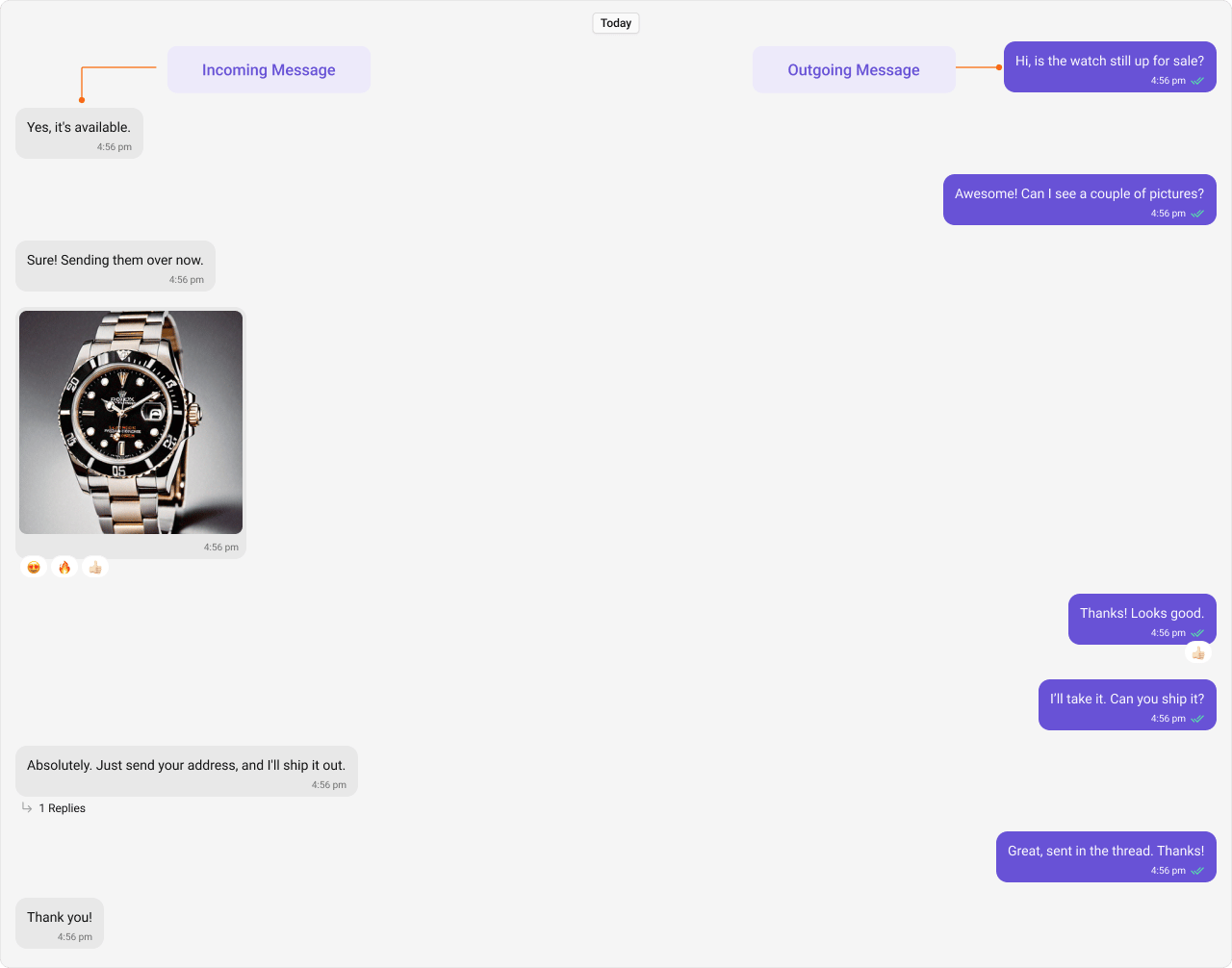
Styling
Outgoing Message Bubbles
The customized chat interface is displayed below.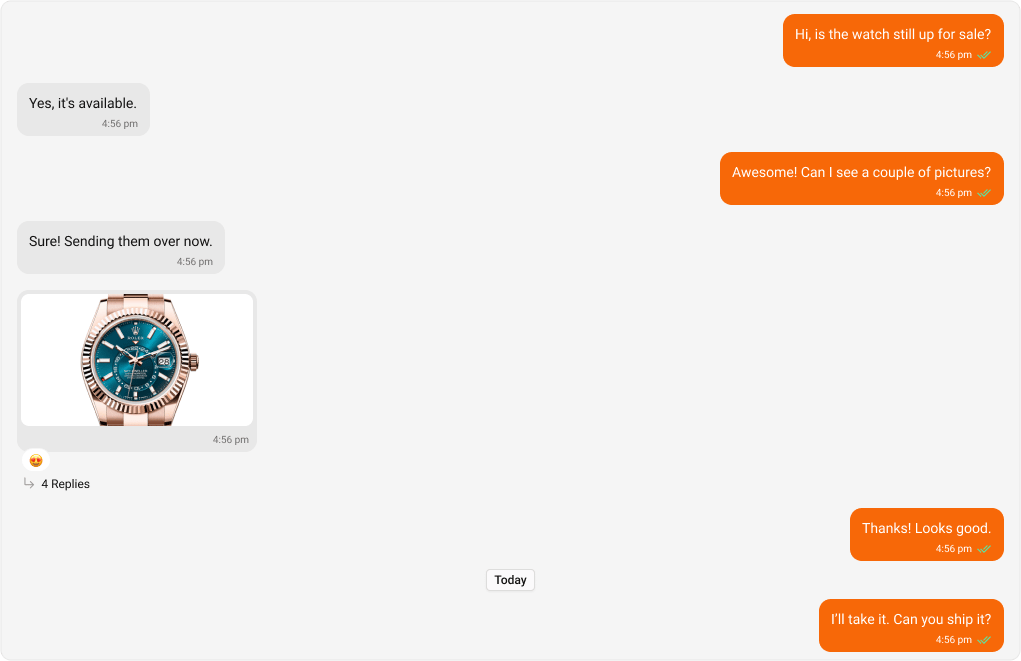
App.css
Incoming Message Bubbles
The customized chat interface is displayed below.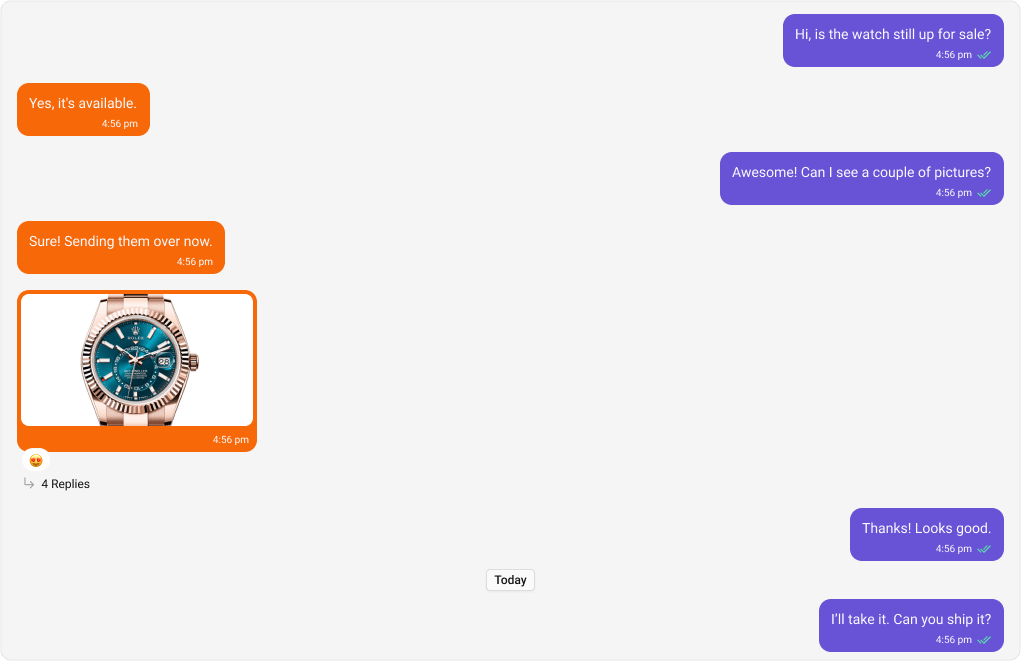
App.css
All Message Bubbles
The customized chat interface is displayed below.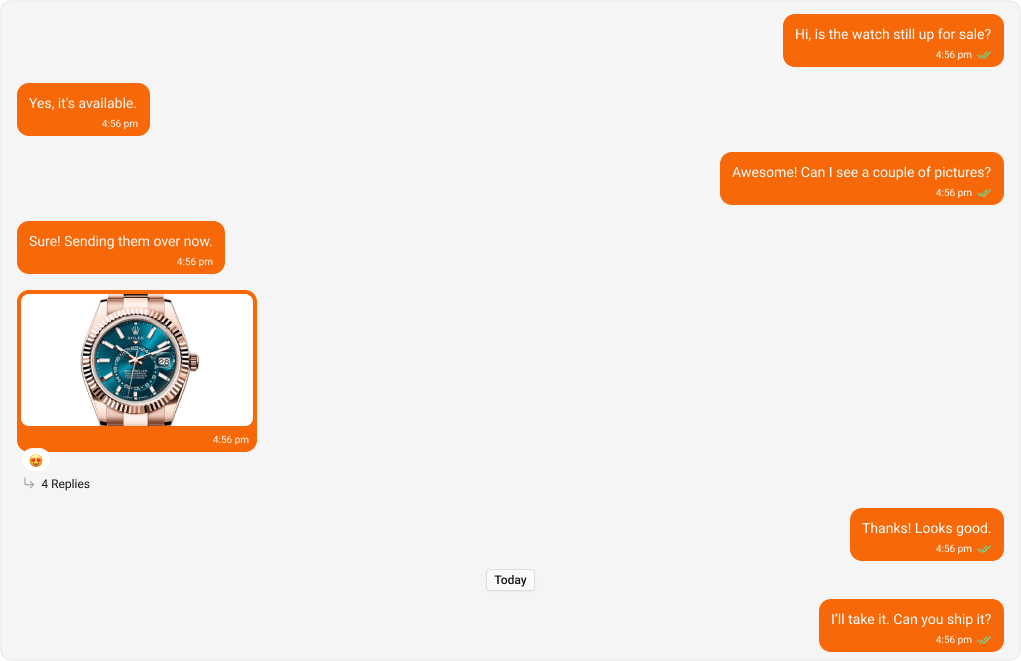
App.css
Message Types
CometChat UI Kit includes classes for various message types. Below are examples of default & customised views for each message type, along with the relevant CSS code snippets so that you can quickly up to the mark with CSS customization.Text Message Bubble
Shown below is the default chat interface.

App.css
Image Message Bubble
Shown below is the default chat interface.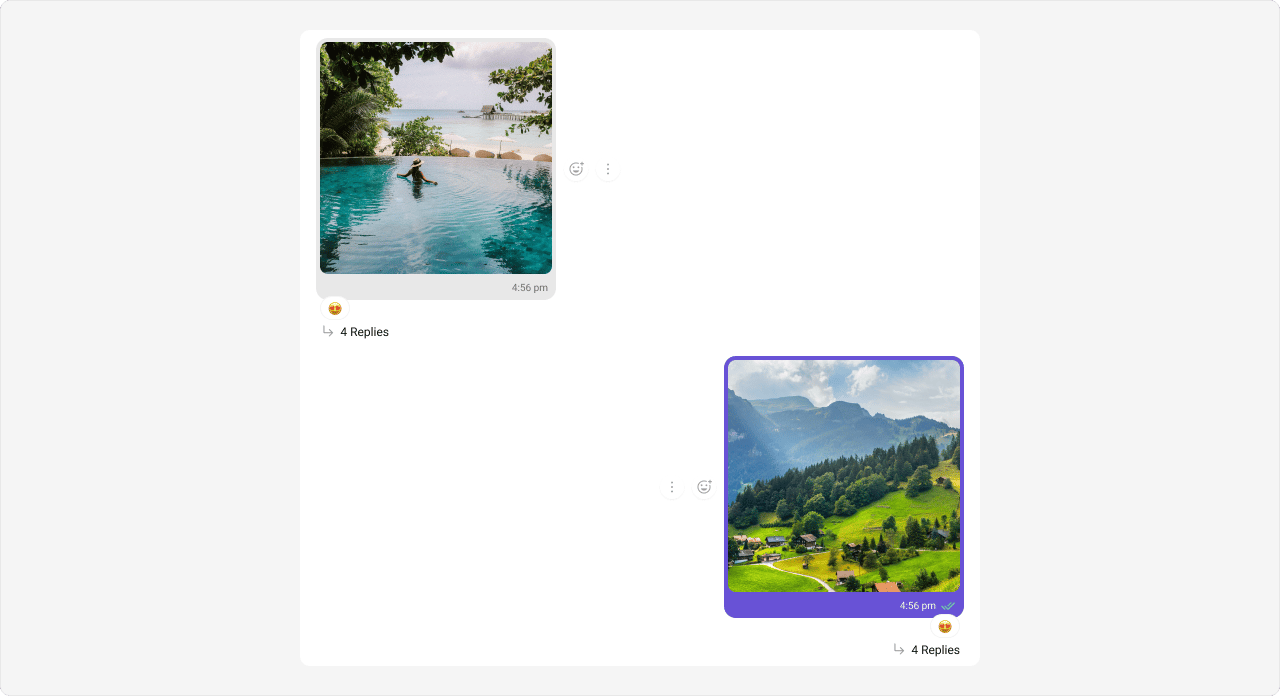
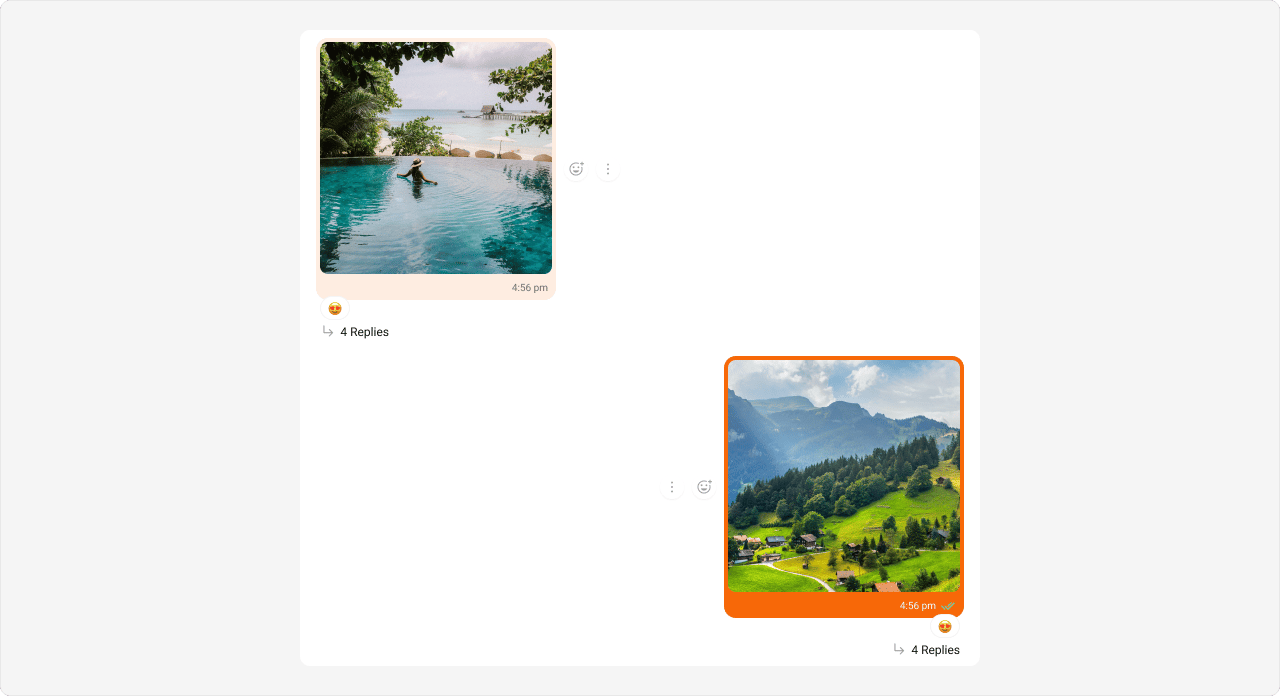
App.css
Video Message Bubble
Shown below is the default chat interface.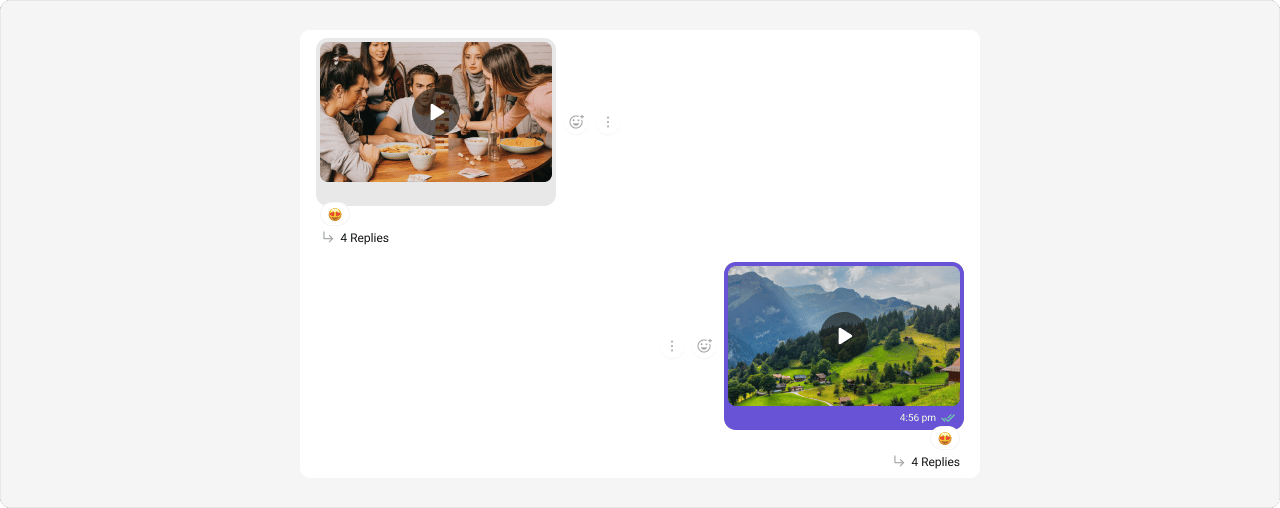
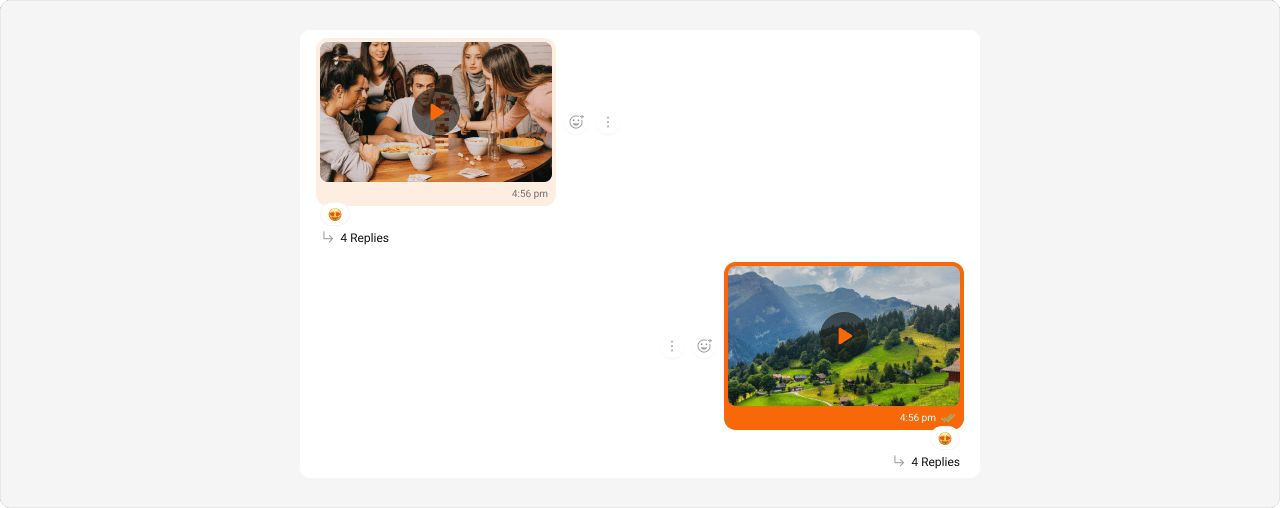
App.css
Audio Message Bubble
Shown below is the default chat interface.

App.css
File Message Bubble
Shown below is the default chat interface.

App.css
Delete Message Bubble
Shown below is the default chat interface.

App.css
Action Message Bubble
Shown below is the default chat interface.

App.css
Direct Call Message Bubble
Shown below is the default chat interface.

App.css
Default Call Message Bubble
Shown below is the default chat interface.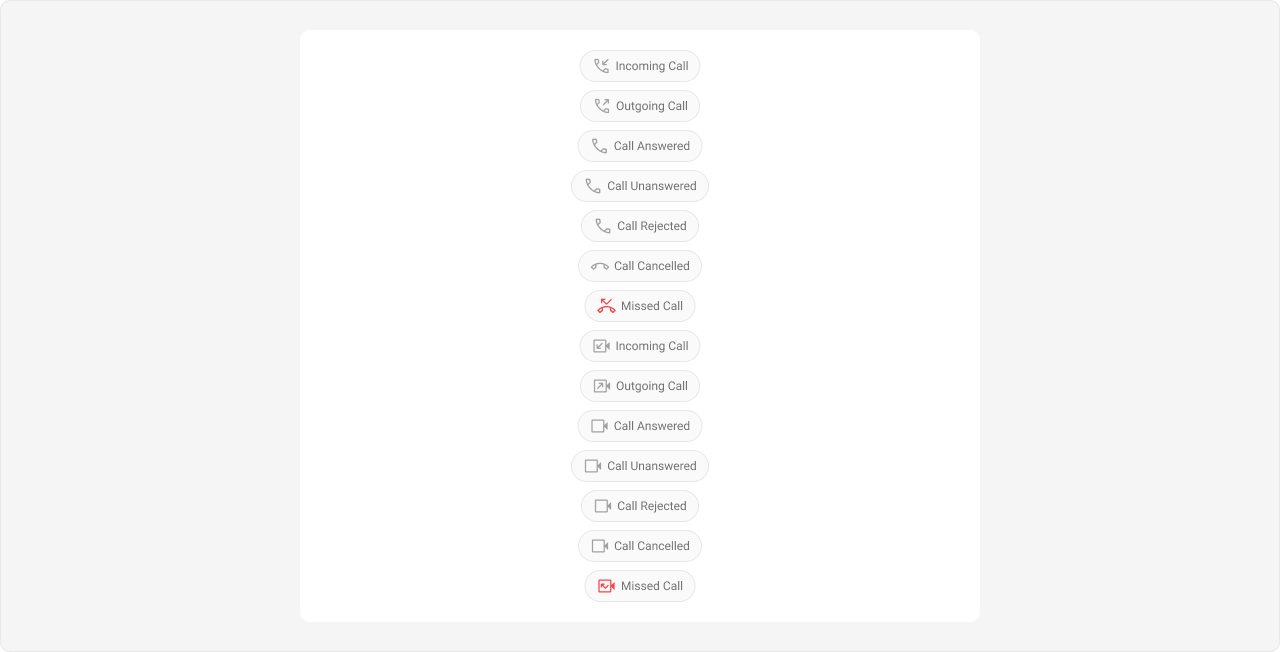
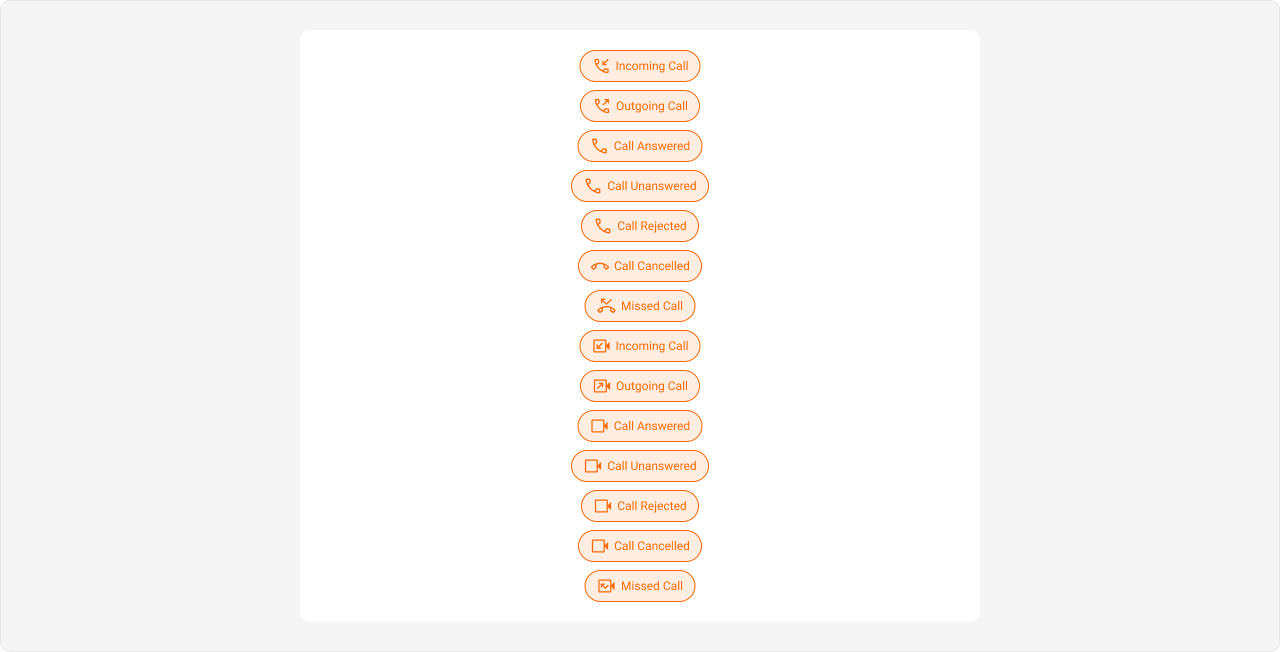
App.css
Extensions
Collaborative Whiteboard Bubble
Shown below is the default chat interface.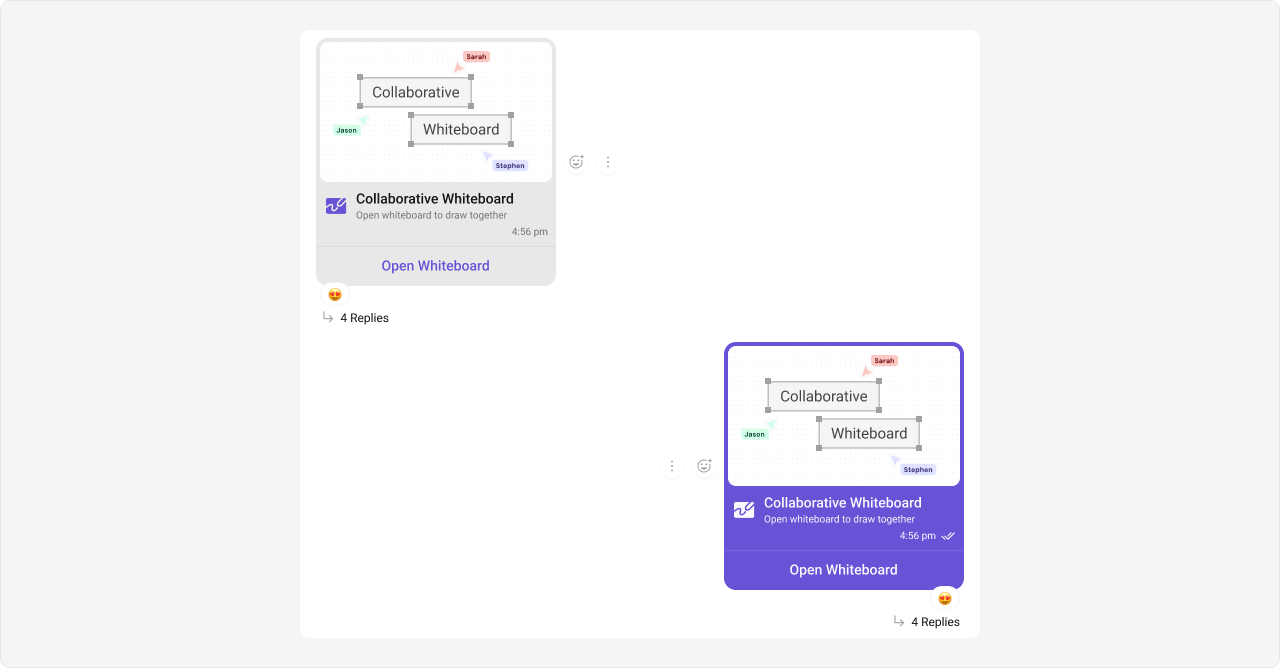
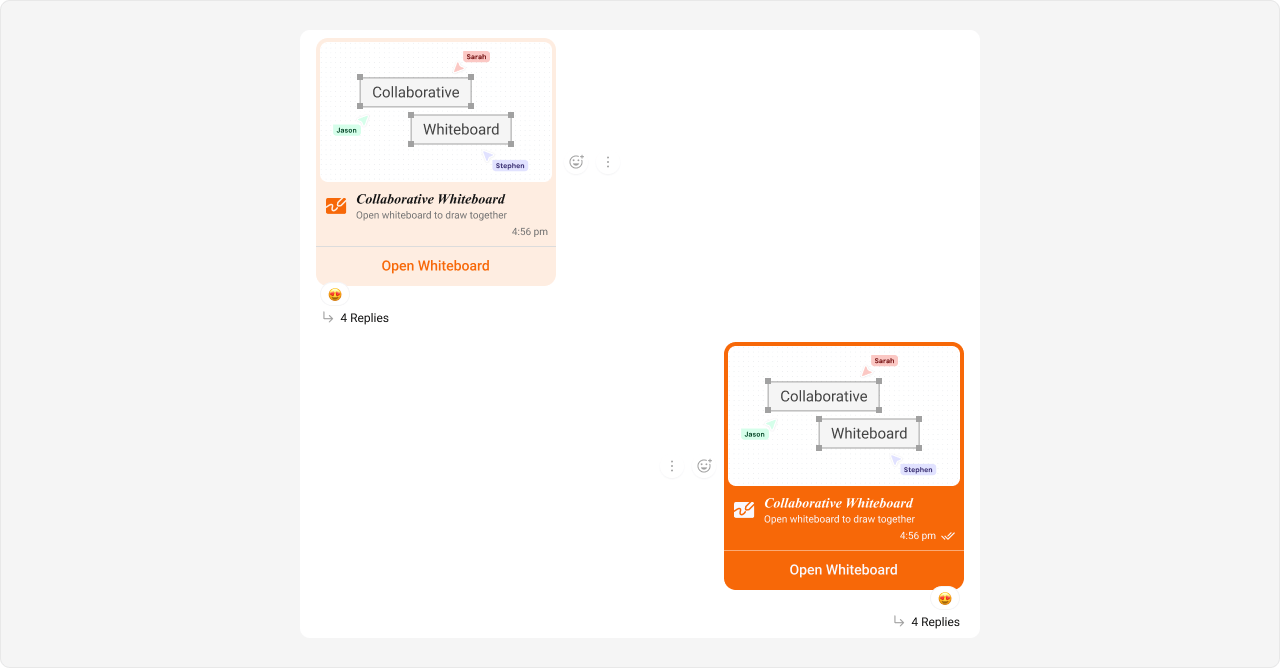
App.css
Collaborative Document Bubble
Shown below is the default chat interface.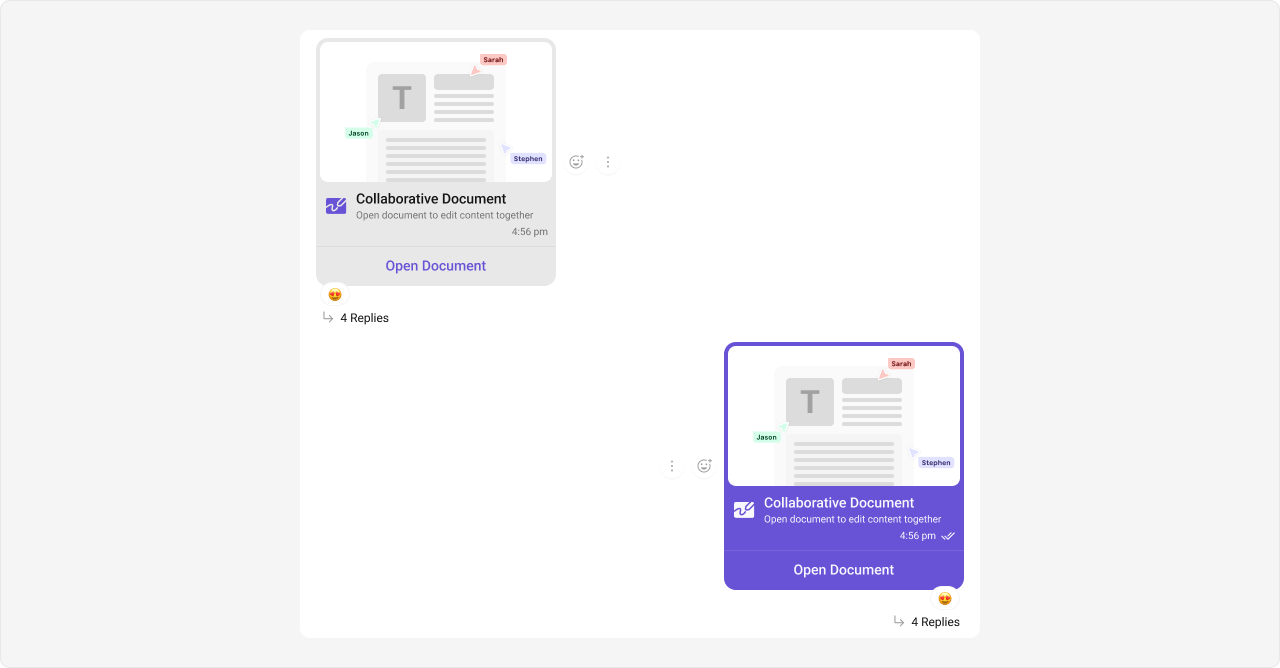
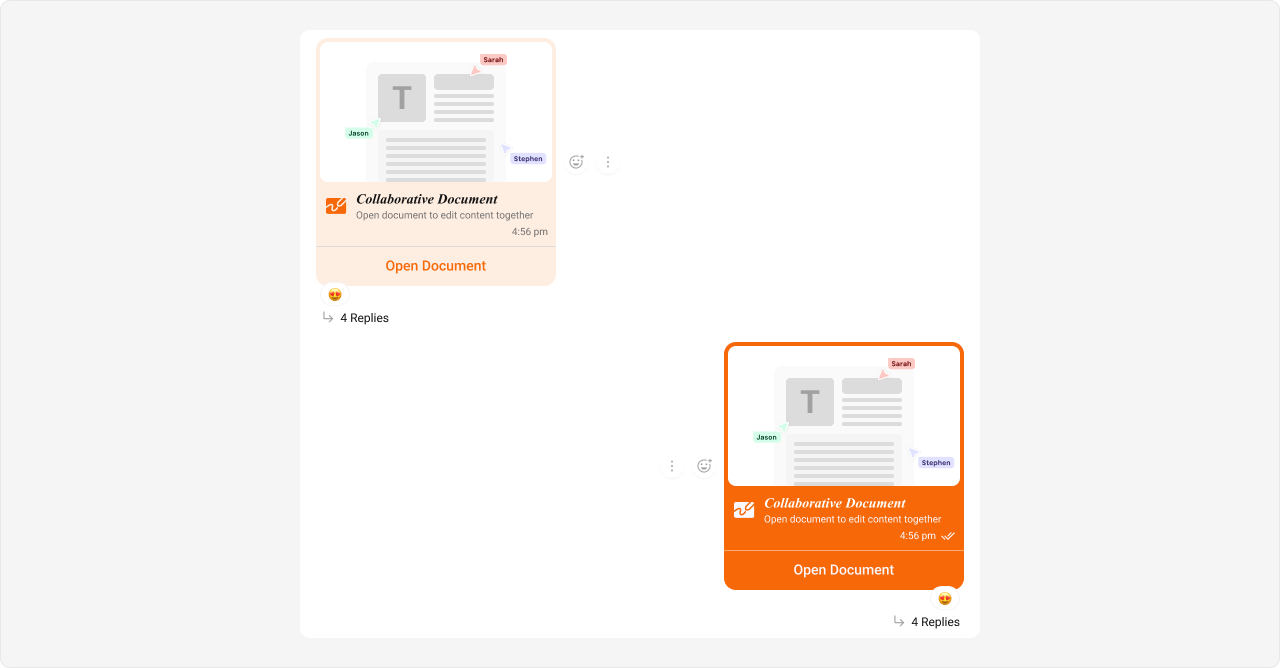
App.css
Polls Bubble
Shown below is the default chat interface.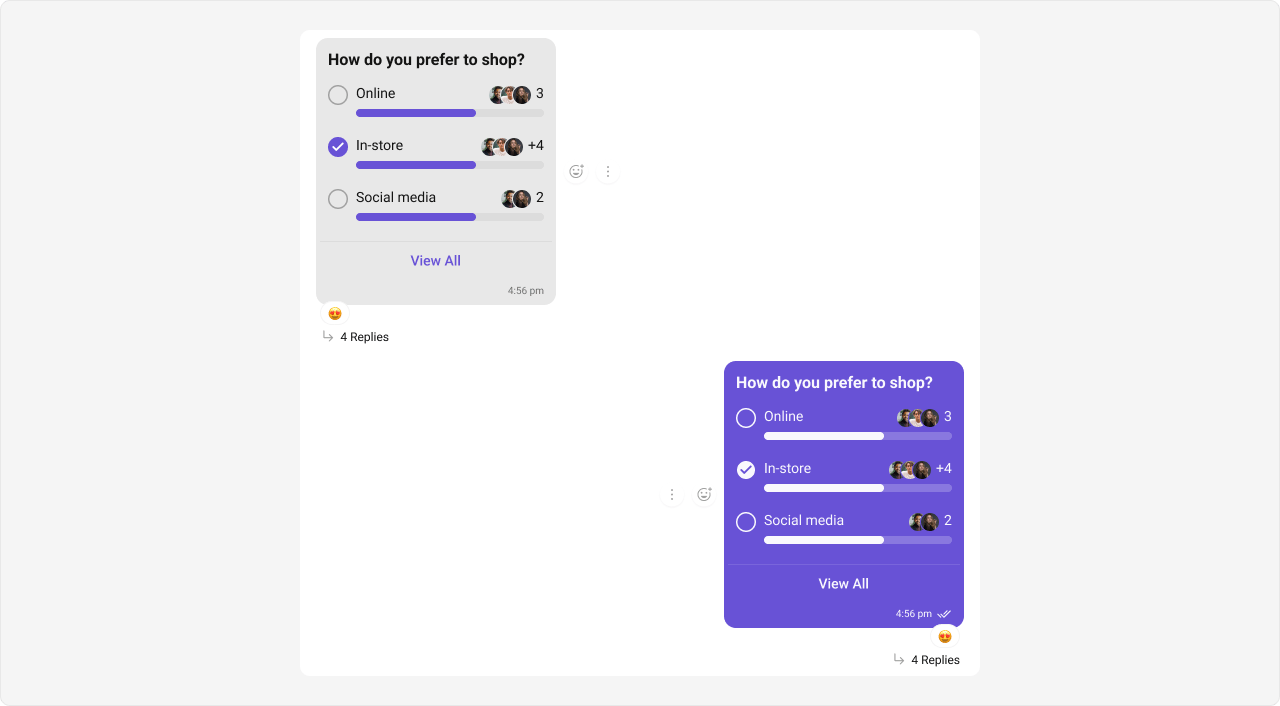
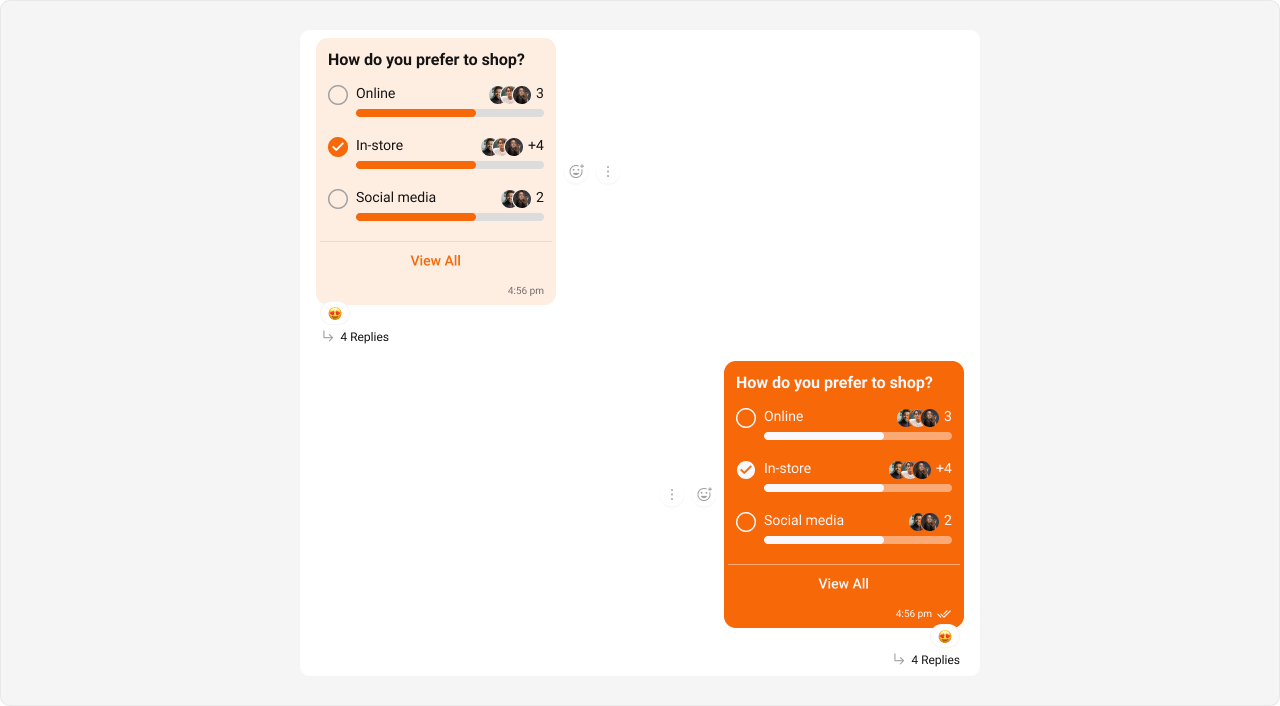
App.css
Stickers Bubble
Shown below is the default chat interface.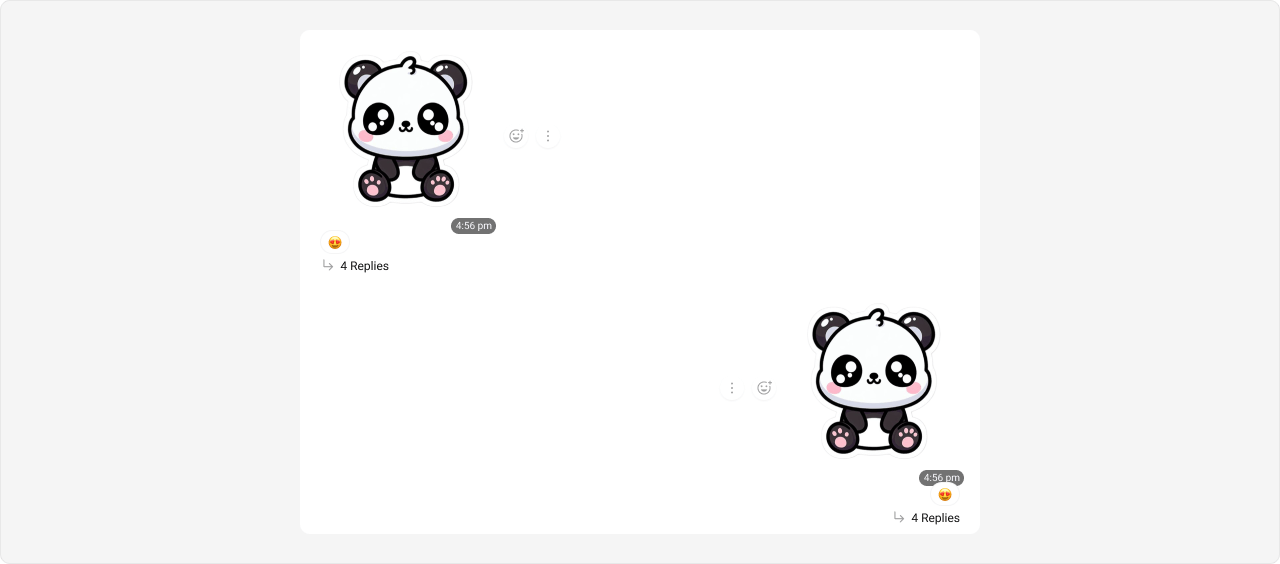
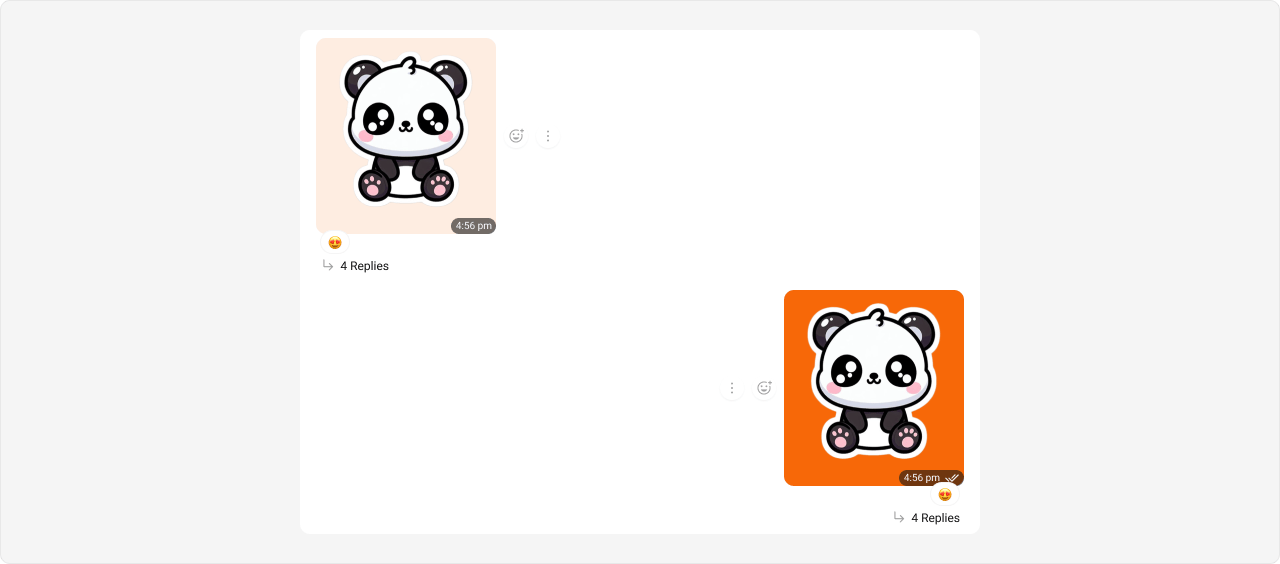
App.css
Link Preview Bubble
Shown below is the default chat interface.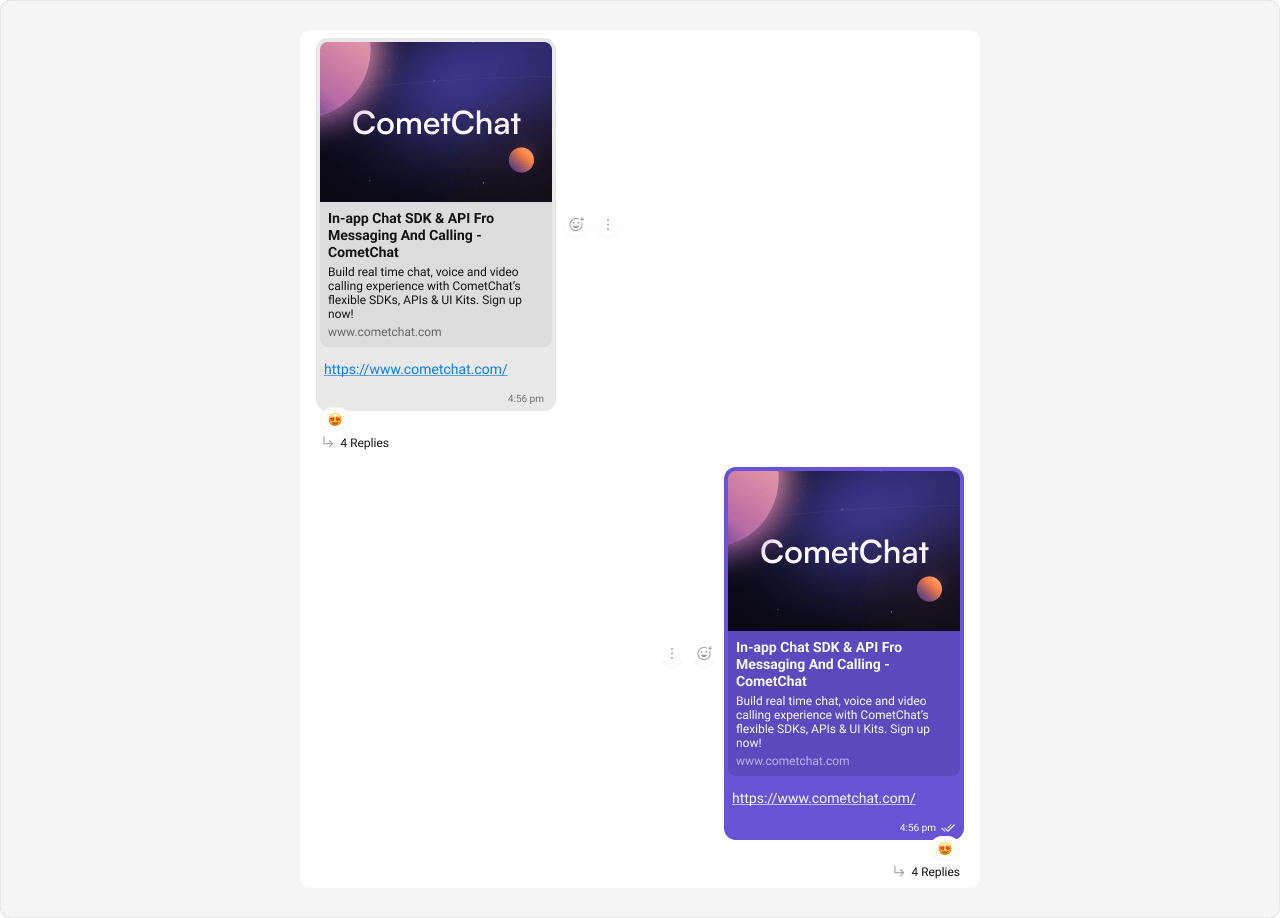
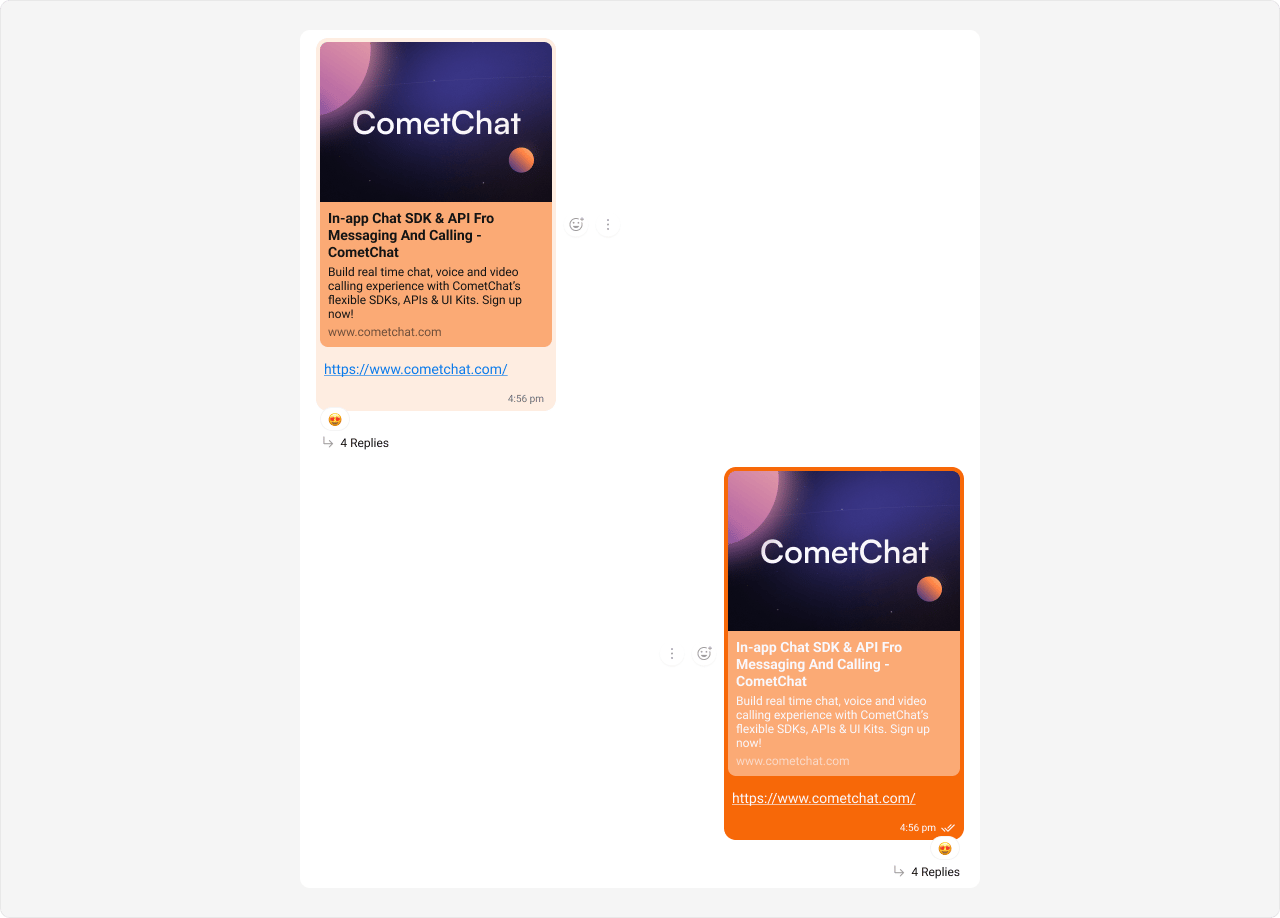
App.css