

Overview
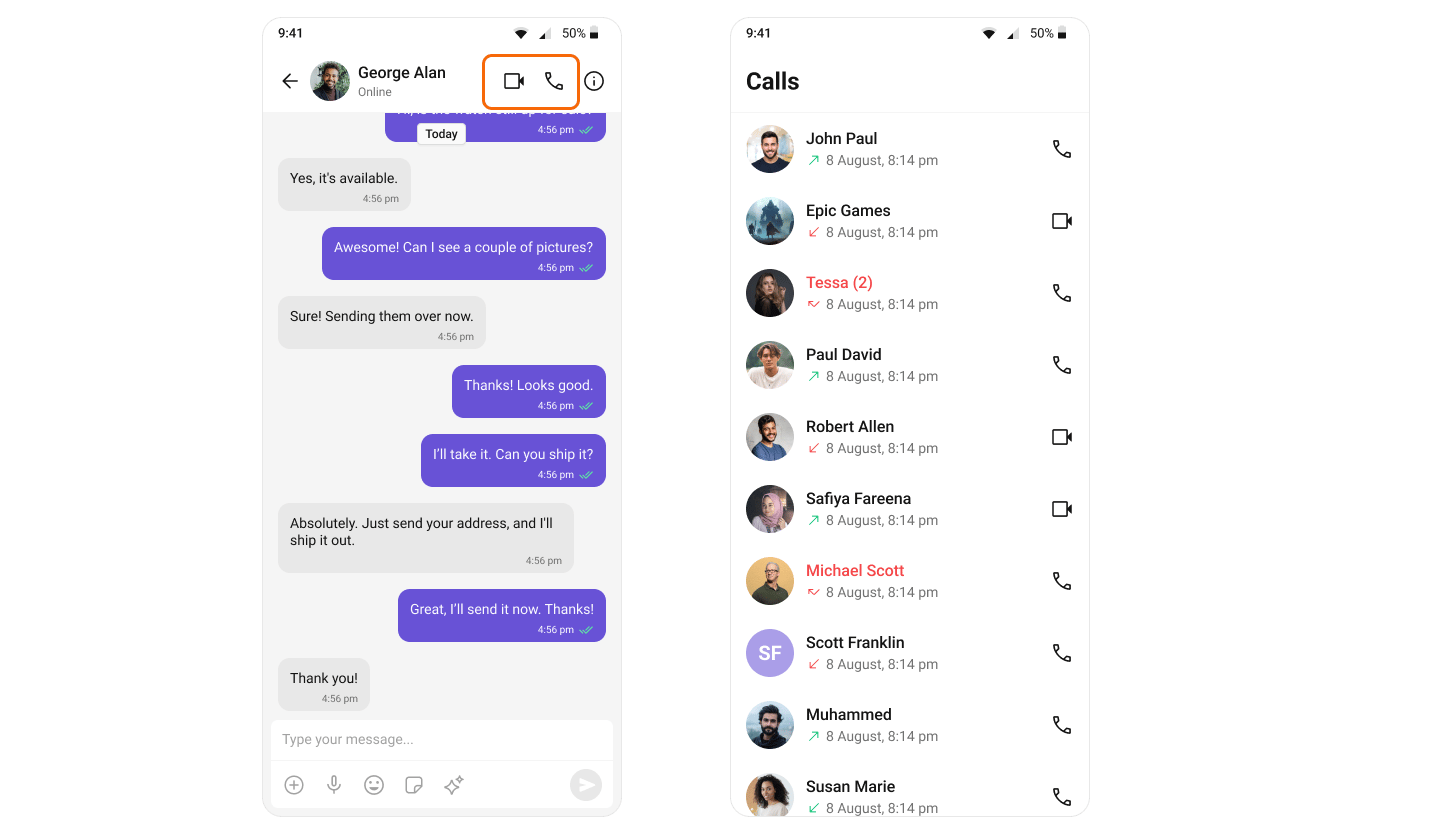
This guide walks you through adding voice and video calling capabilities to your Android application using the CometChat UI Kit.Make sure you’ve completed the Getting Started guide before proceeding.
Add the Calls SDK
Add the CometChat Calls SDK dependency to yourbuild.gradle file:
Set Up Call Listener
To receive incoming calls globally in your app, add aCallListener before initializing the CometChat UI Kit. We recommend creating a custom Application class:
- Kotlin
- Java